
Free
$0 forever
Perfect for a single car.
- 1 vehicle
- 10 service logs per vehicle
- Reminders, widgets, and iCloud sync
- No ads, no tracking, ever
With GreaseNote, track every car in the family. Log service in a tap. Skip the spreadsheet, skip the guesswork.

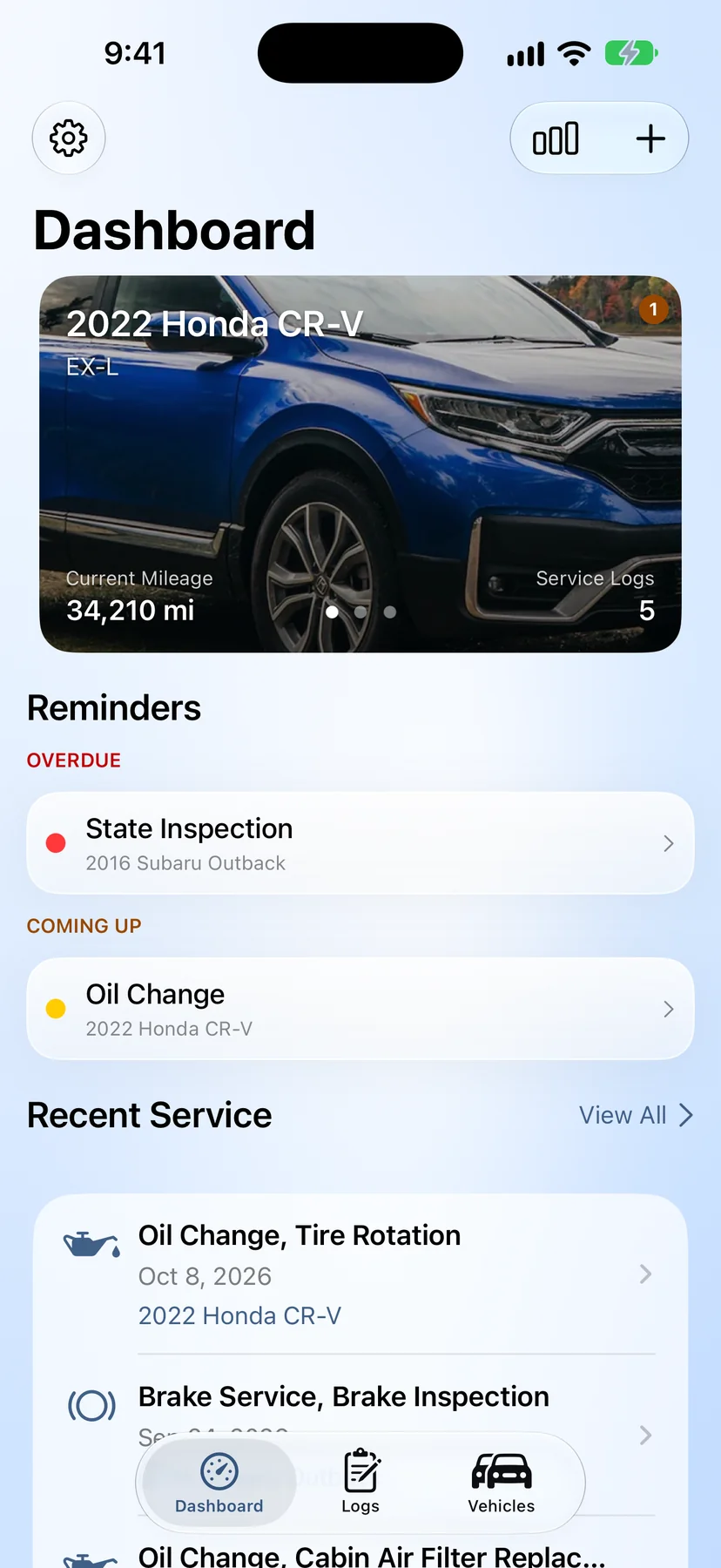
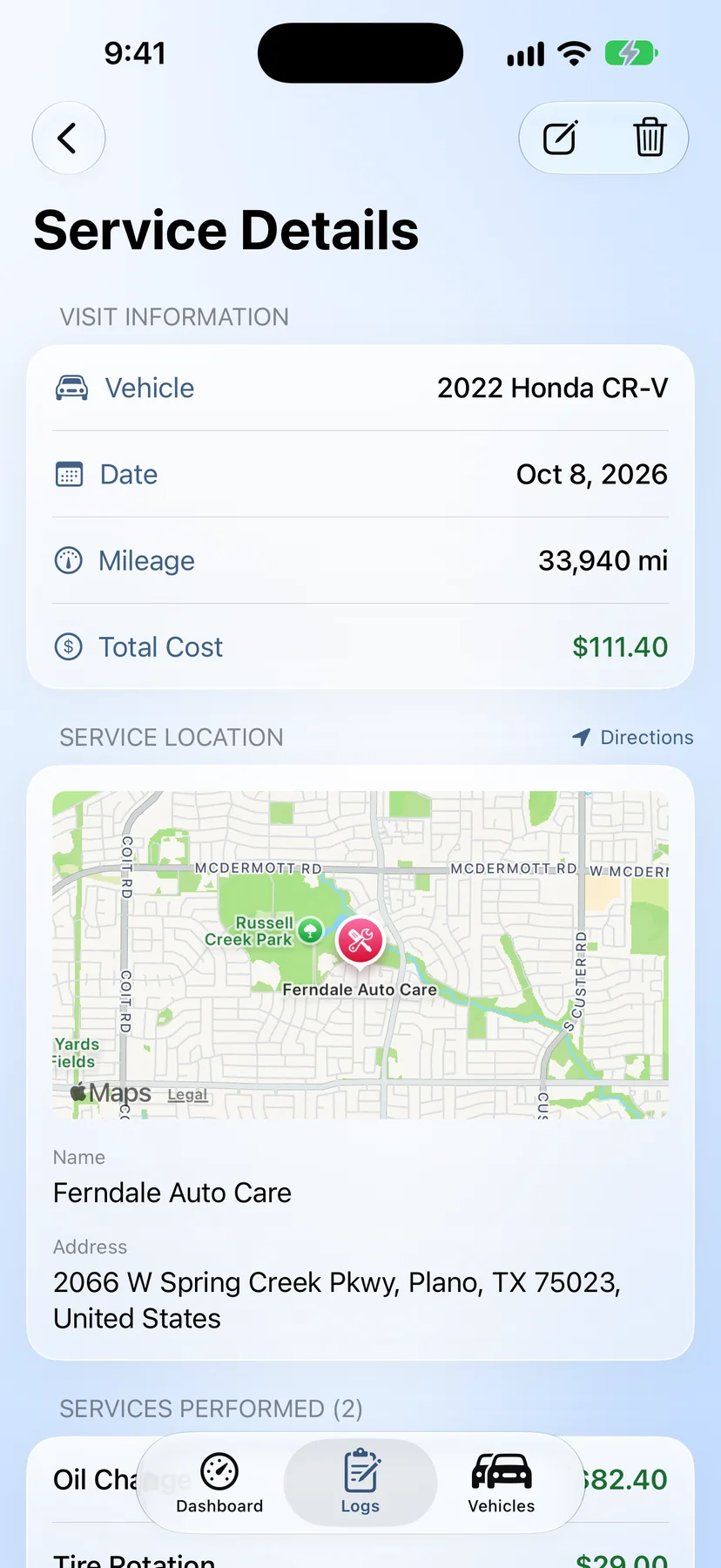
See what's due, what was just done, and how each car is doing — without flipping between apps or hunting through receipts.
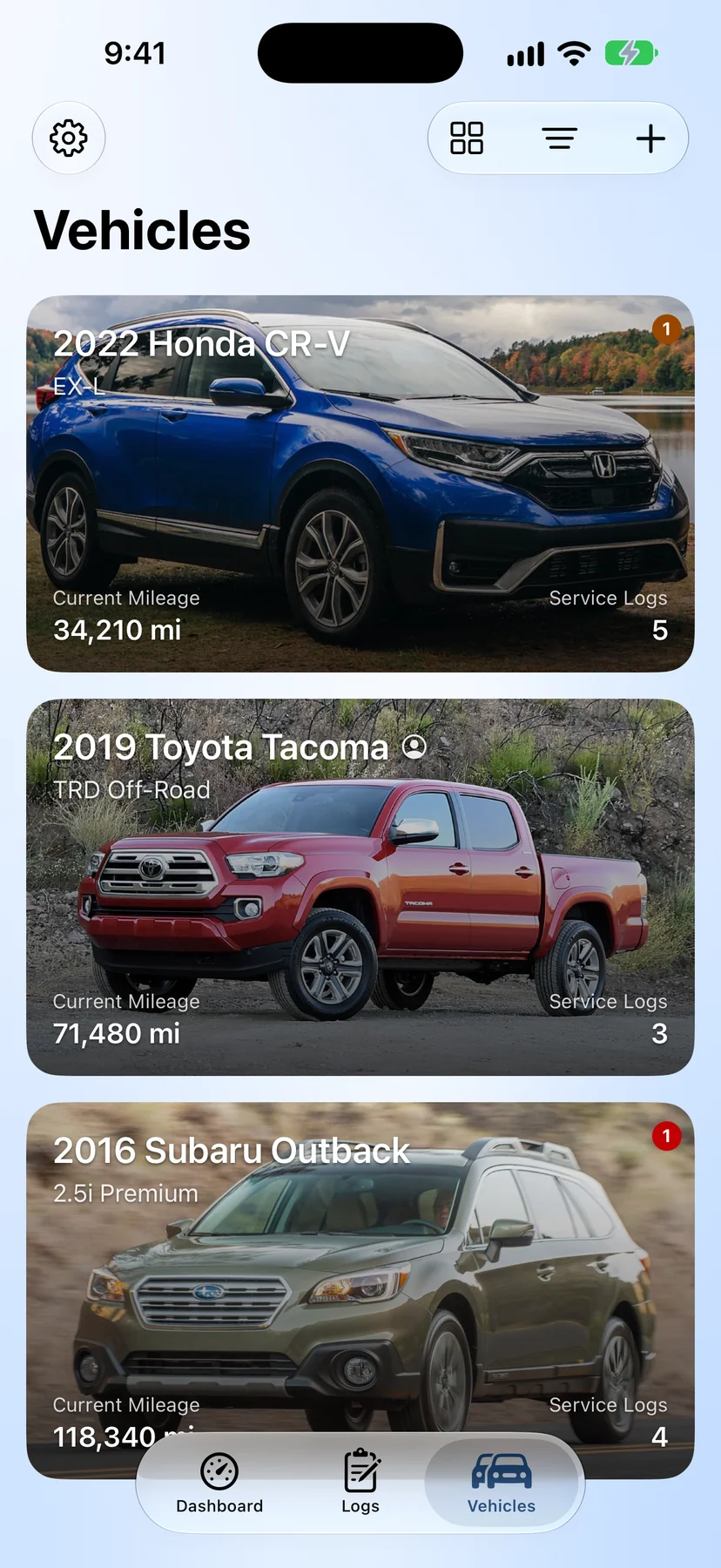
Your car, your partner's, the kid's first car — all in one place, each with its own history and reminders. Share a car with whoever else drives it and you both see the same logs. They fill up, they log it, you know about it.
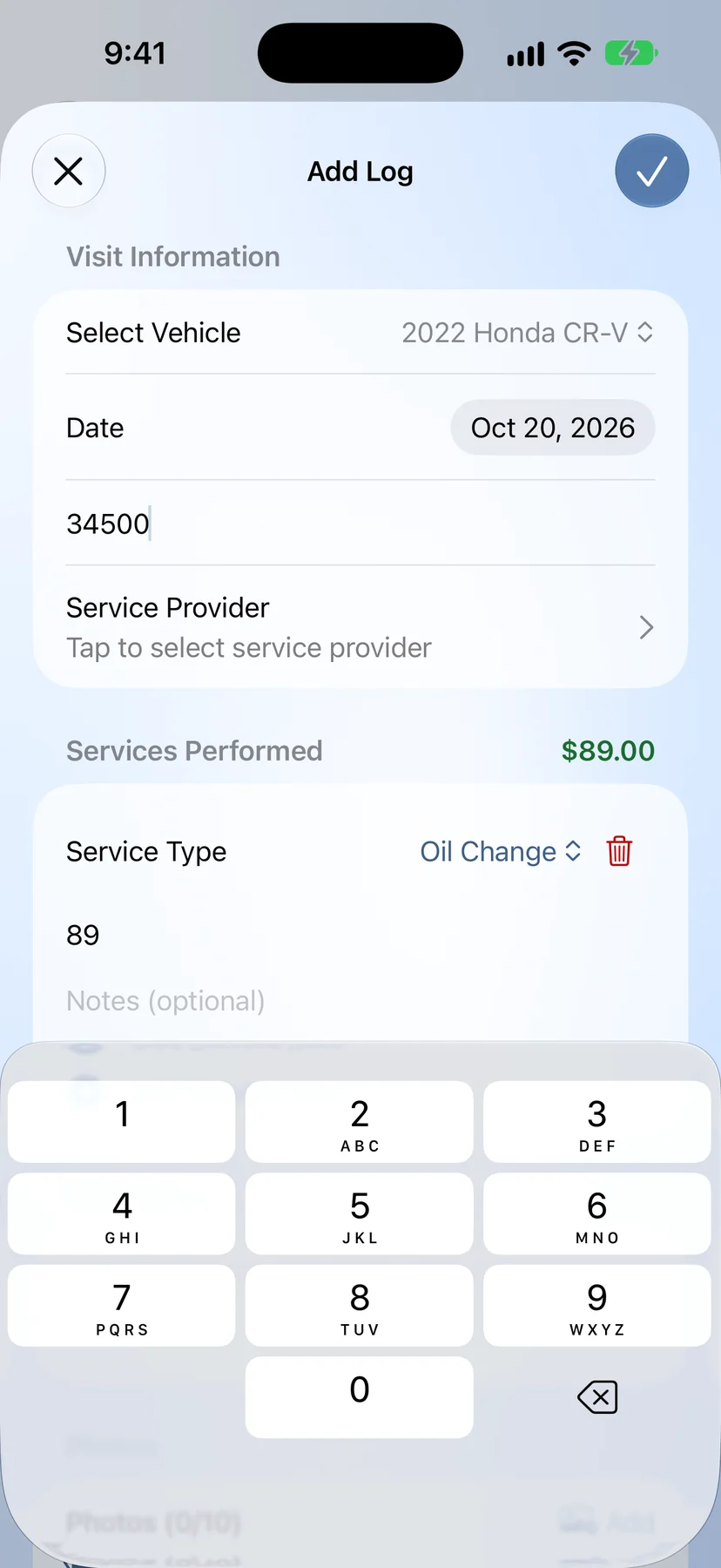
Pick what was done, jot the mileage, and you're out. You don't need to know what half of it means — just record it so future-you (or the next mechanic) does.
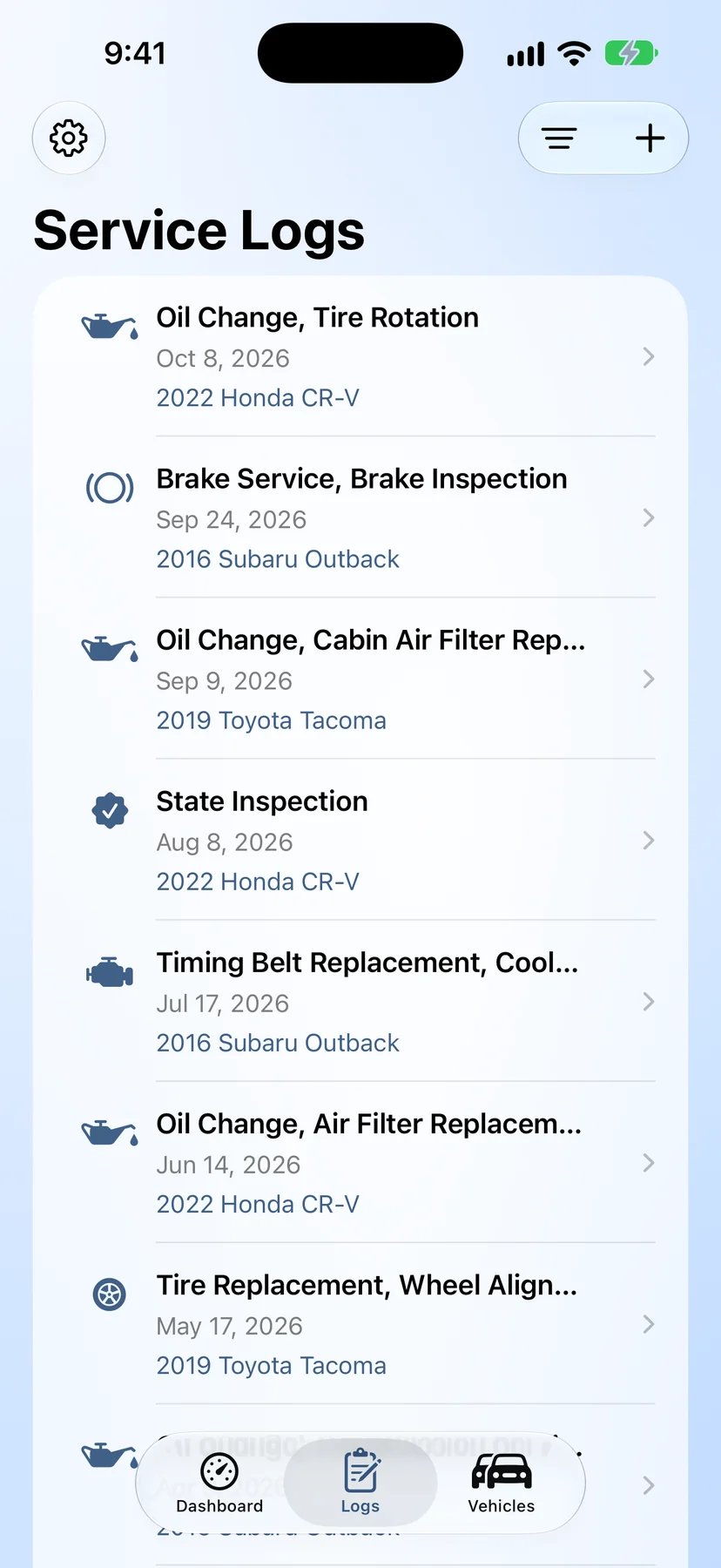
GreaseNote tells you when service is due based on mileage and time, so you don't have to remember. No guessing, no "wait, when did I last…?"
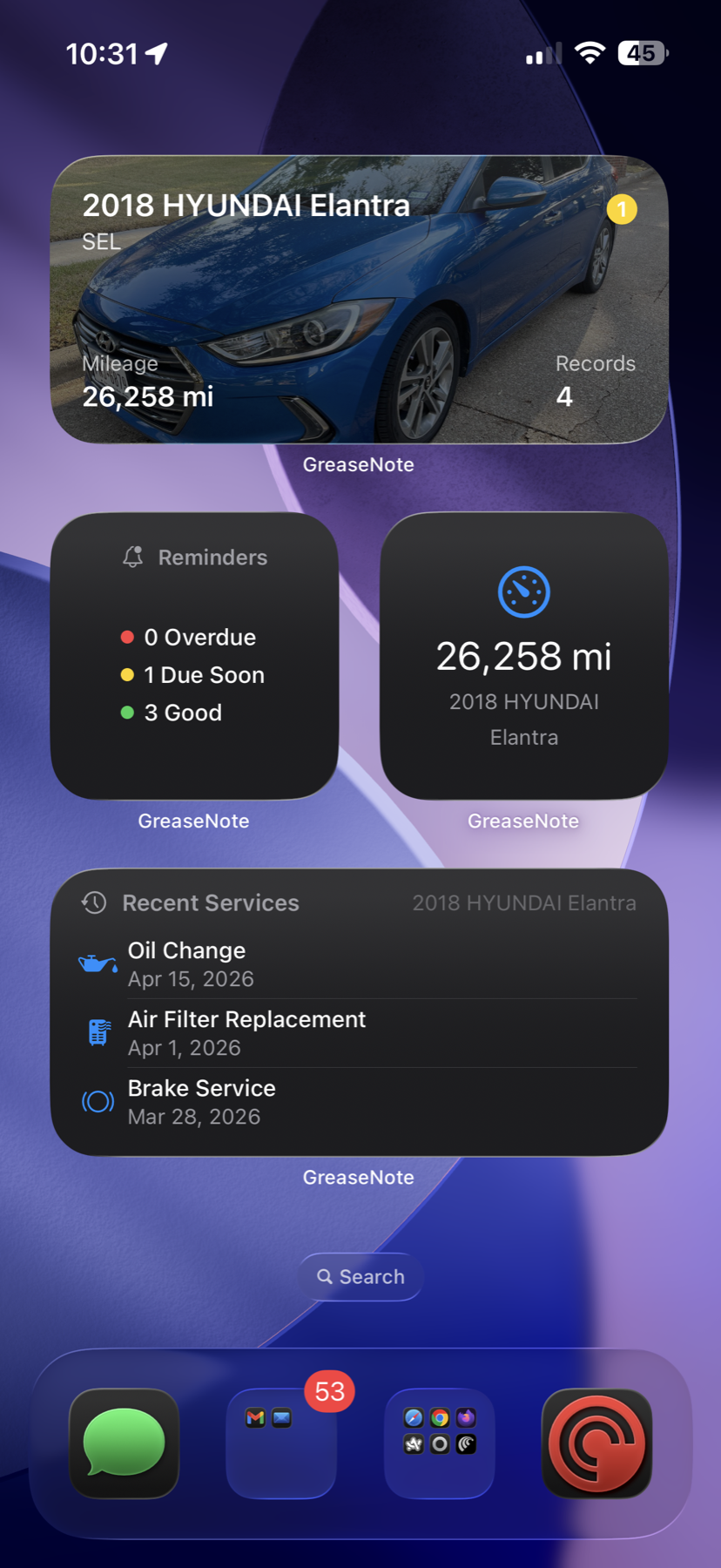
Home Screen widgets keep what's due in glance distance. iCloud sync keeps iPhone and iPad in step. No account to create, no password to forget.
Pricing
No free trials, no surprises. Pick what fits.
Free
$0 forever
Perfect for a single car.
GreaseNote Pro
$24.99 /year Save 30%
or $2.99/month, billed monthly
Subscriptions auto-renew until canceled. Manage or cancel anytime in your Apple ID settings. Payment is charged to your Apple ID at confirmation of purchase.
FAQ
Yes. The free tier covers one vehicle and ten service logs, with reminders, widgets, and iCloud sync all included. GreaseNote Pro removes the limits for $2.99 a month or $24.99 a year.
Not today. GreaseNote is iPhone- and iPad-only. There is no Android version planned.
Yes. GreaseNote Pro supports unlimited vehicles, so the whole family fits in one app — your car, your partner's, the kid's first car. Each one keeps its own service history and reminders.
Yes. Share a vehicle and the other person sees the same service history and the same reminders — and they can log service too, which shows up on your side. Everyone on a shared car has the same access; there's no view-only mode. It goes through iCloud, so there's still no account to create.
To share one out, yes. Accepting a shared car is free — and a car someone shares with you doesn't count against the free tier's one vehicle, and its service logs don't count against the ten-log limit.
Yes. The owner can see who has access and revoke it at any time, and anyone you've shared with can remove themselves.
Yes, through iCloud. Turn it on once and your vehicles, service logs, and reminders stay in step across every device signed into your Apple ID. There's no separate account to create.
GreaseNote tracks both mileage and time-based intervals for each service you log, then notifies you before the next one is due.
No. GreaseNote has no sign-up, no email, and no password. Open the app and start logging.
No. There's no location tracking, no analytics, no ads, and no third-party data sharing. Your vehicle and service data lives on your device and, if you turn it on, in your personal iCloud.
Anything you want to remember — oil changes, tire rotations, brake work, fluids, filters, inspections, repairs. Pick from common service types or write your own.